HinweisDiese Seite wurde noch nicht übersetzt, daher wird stattdessen die englische Version verwendet. Möchtest du mithelfen? Mitwirken
FreeCAD 26.3 is the first release on our new schedule of three releases per year, with calendar-based version numbers.
This release makes FreeCAD more responsive on large models, makes Part Design and the Sketcher more versatile, opens up multi-axis machining in CAM, and polishes workflows across every workbench.
A core that keeps up with you
- Edit multiple documents at the same time, each with its own tasks and undo/redo stack, so two sketches can be open simultaneously.
- Recomputes run in the background and are fine-grained, keeping the interface responsive even on large models.
- Fuzzy matching for autocompletion in the Expression Editor.
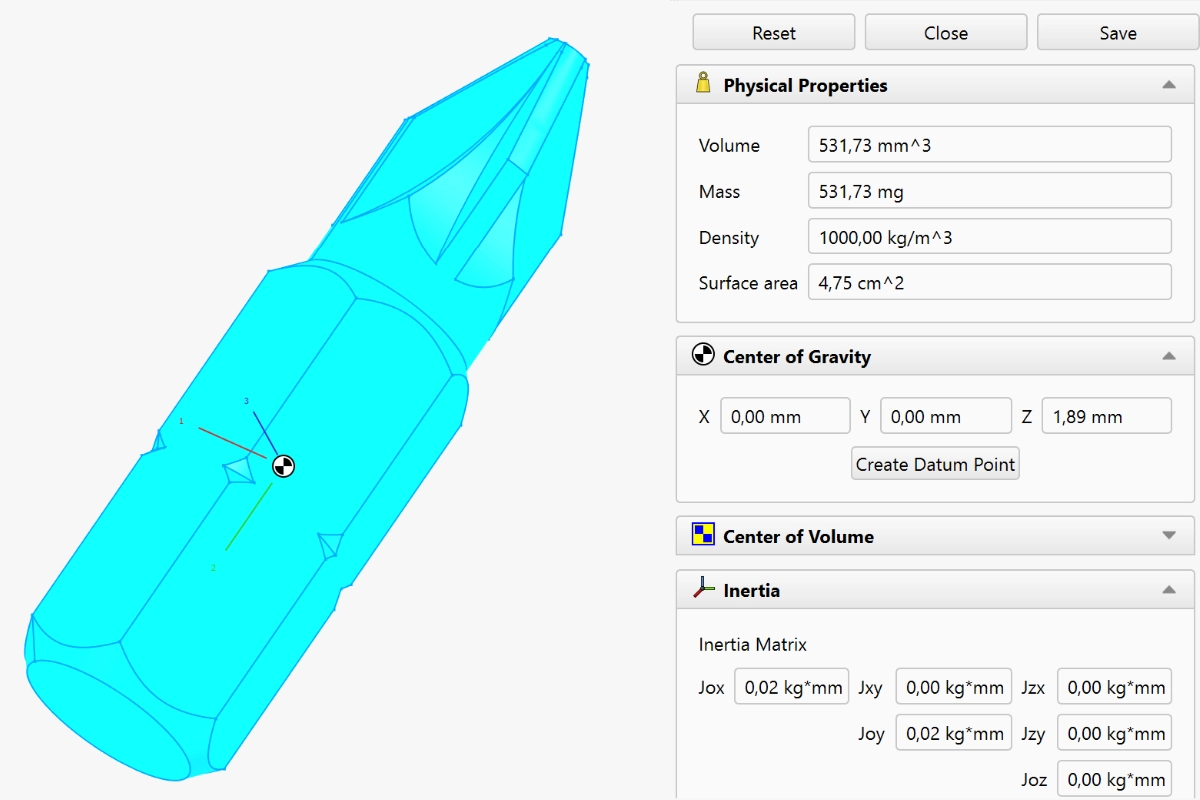
- New Mass Properties command for volume, mass, density, surface area, center of gravity and inertia, with material-aware results and custom reference frames.
- Box selection by dragging is built into the common navigation styles.
Part Design, more versatile than ever
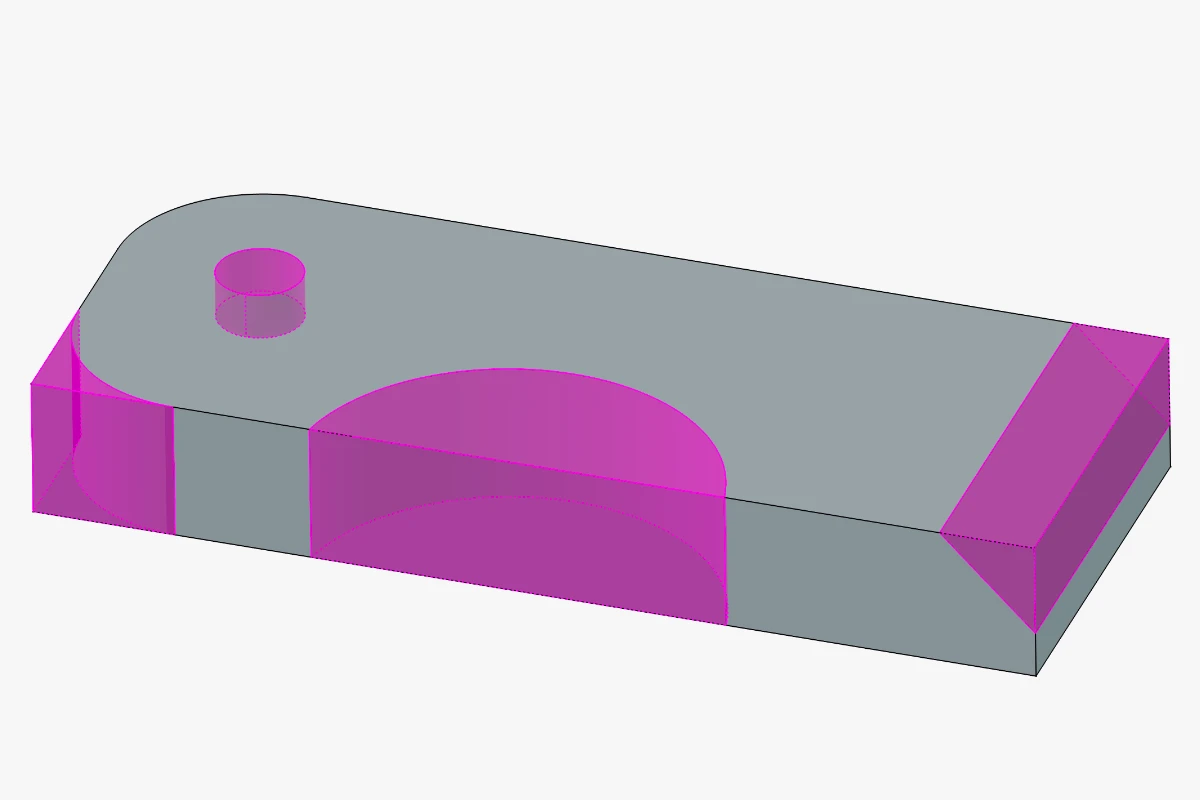
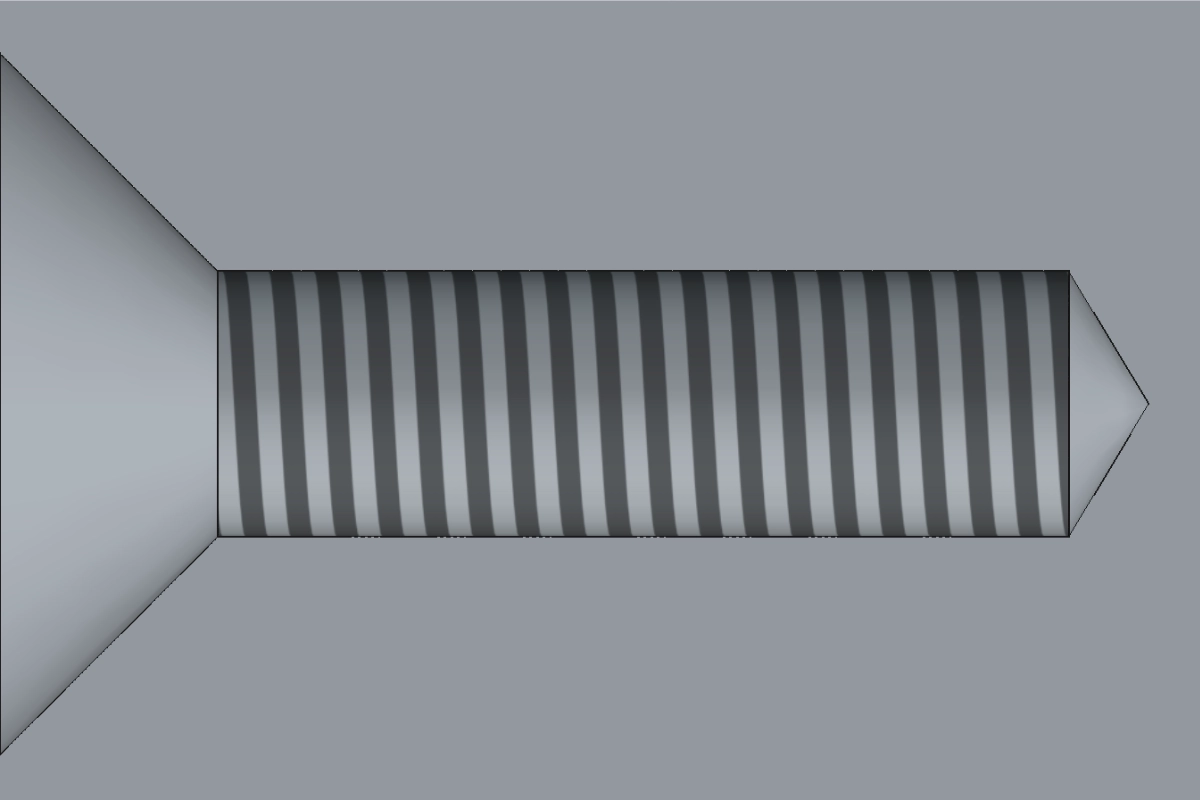
- Parametric Defeaturing tool and cosmetic threads on holes.
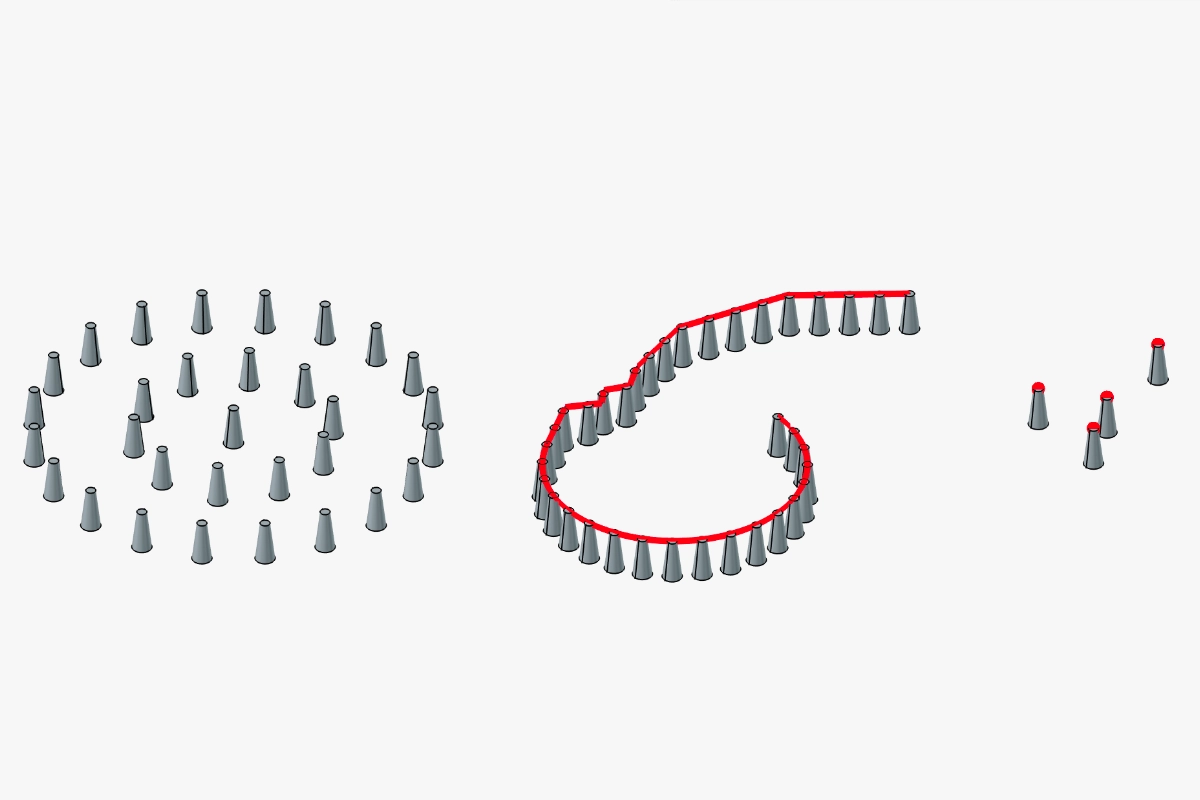
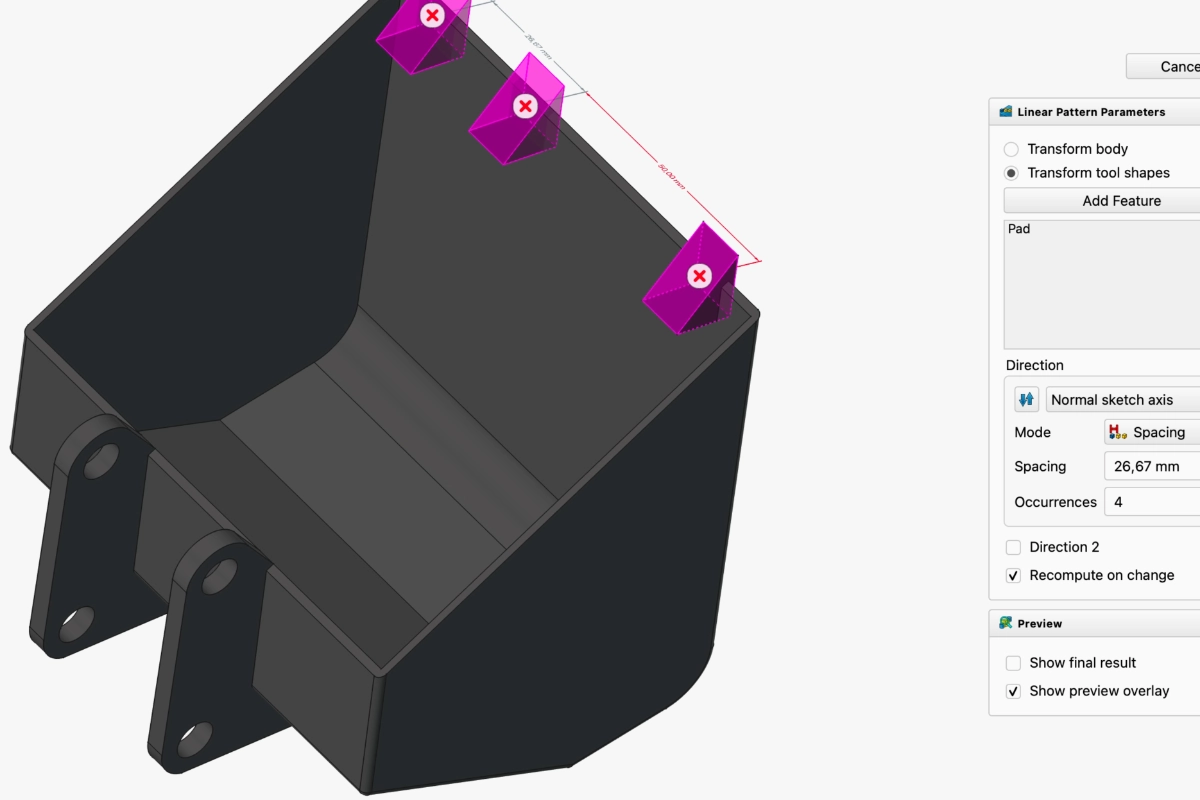
- Point, path and circular pattern types, suppression of individual pattern instances, and on-view parameters for custom spacing.
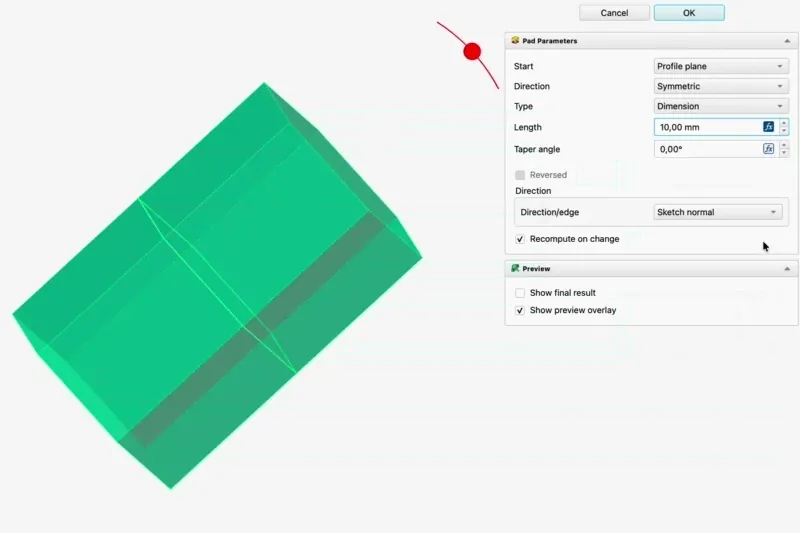
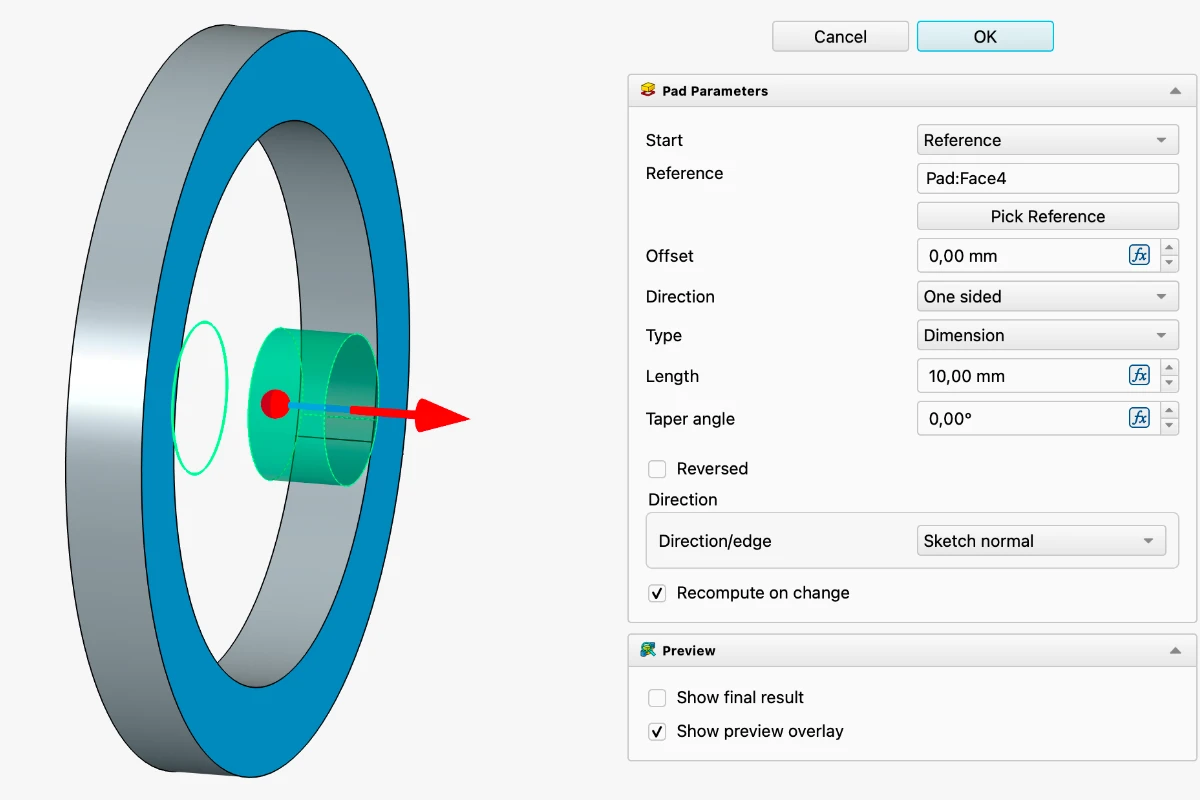
- Start offsets for Pad, Pocket, Hole, Revolution and Groove, to build several features from one master sketch without extra offset planes.
- A Common operation for every subtractive feature, keeping only the material shared with the body.
- Creating a new sketch opens the attachment dialog unless a planar face or datum plane is already selected.
Sketch smarter
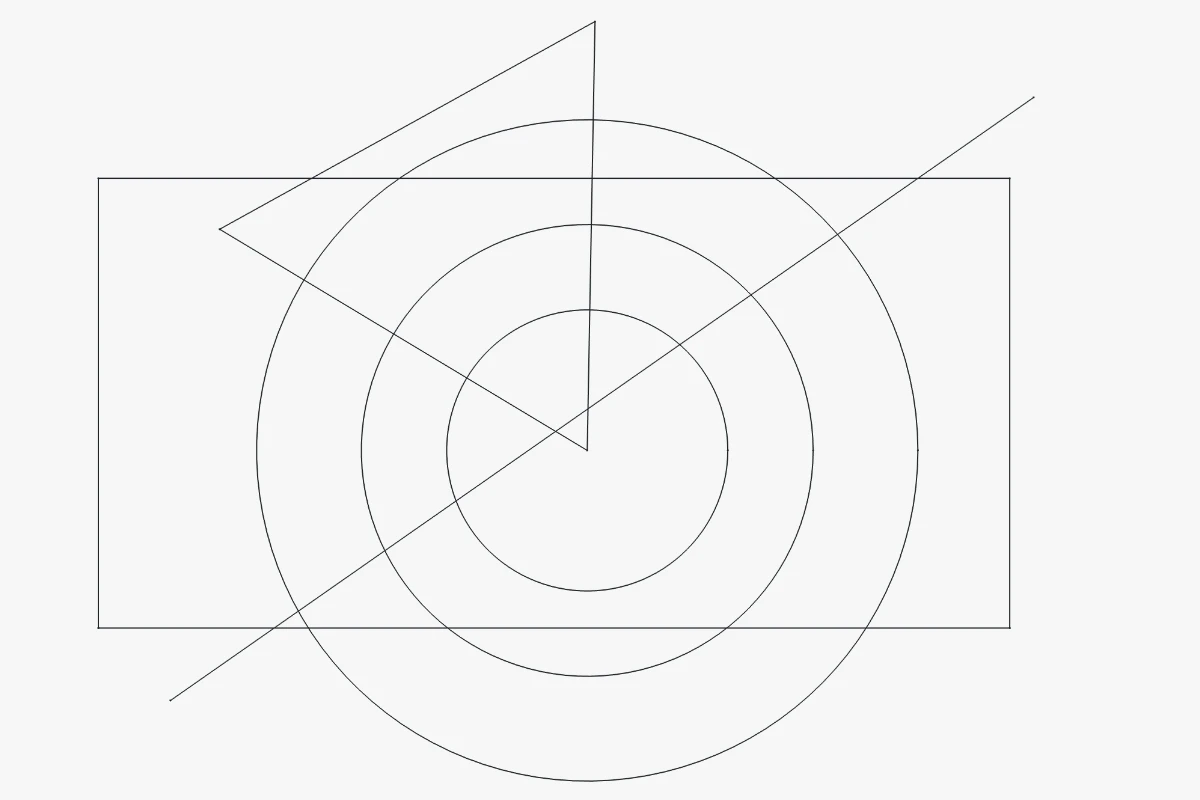
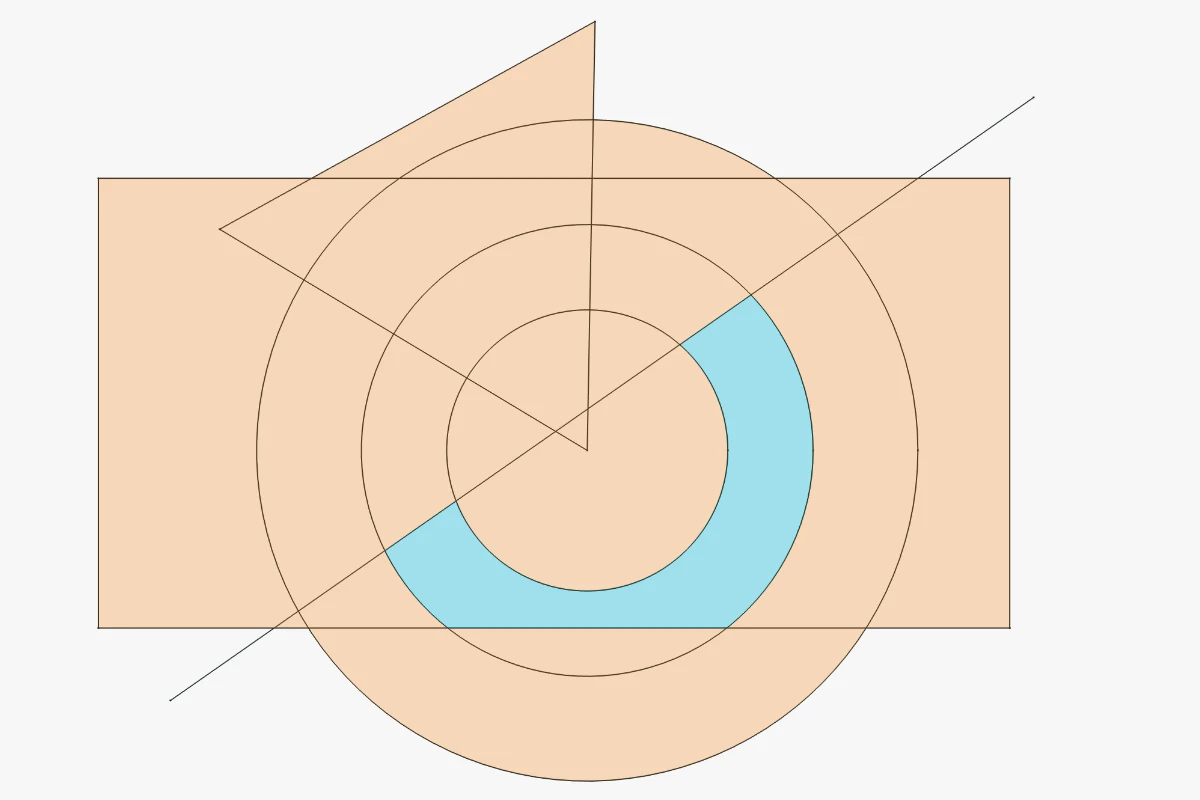
- Reliable internal faces for complex overlapping geometry, now on by default for new sketches.
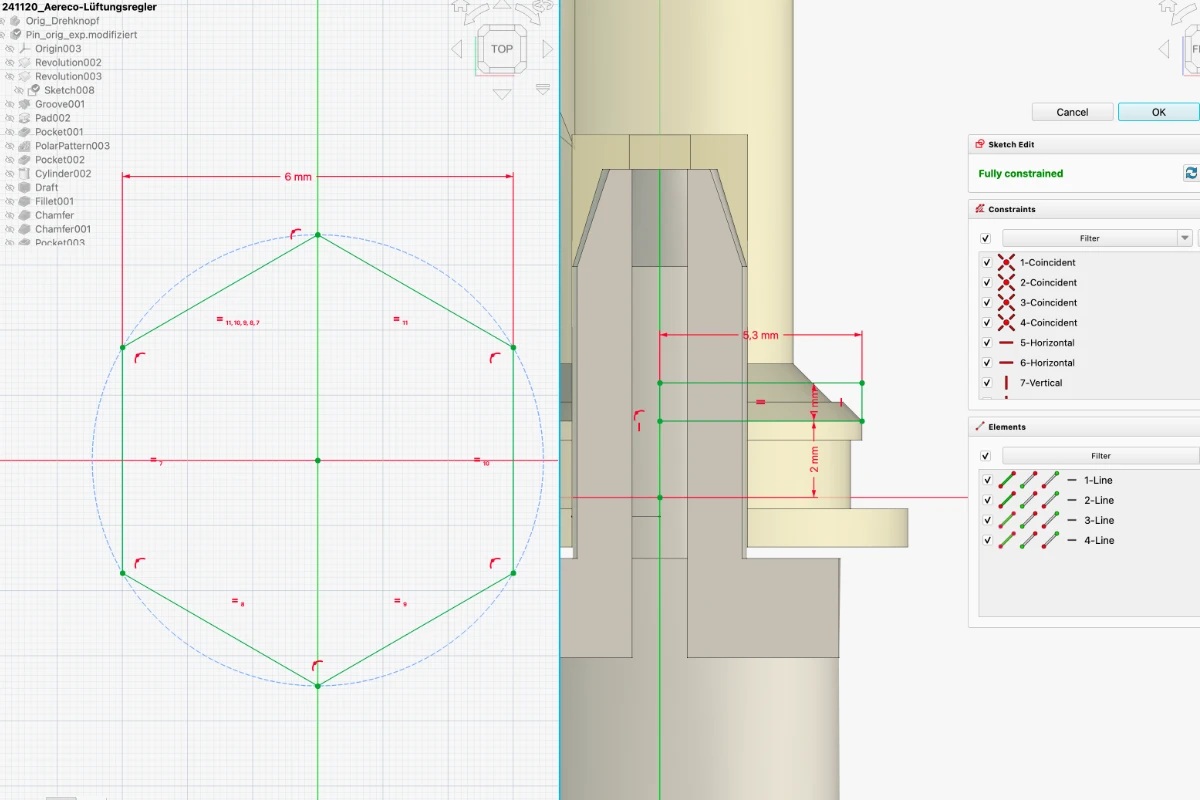
- Dimension and constraint tools pick model edges outside the sketch directly, creating the external reference automatically.
- Constraints are less prone to flipping.
- A new text tool (experimental).
Dimensioning against model edges outside the sketch
Text tool (experimental)
Assembly in motion
- Snapshots save and restore the placement and visibility of the whole assembly.
- A Rigid Group joint fixes any number of components relative to each other.
- Link arrays for placing repeated components.
- Export simulations to video.
- Drag without a grounded component: an ungrounded island moves as a rigid group based on its joints.
CAM goes multi-axis
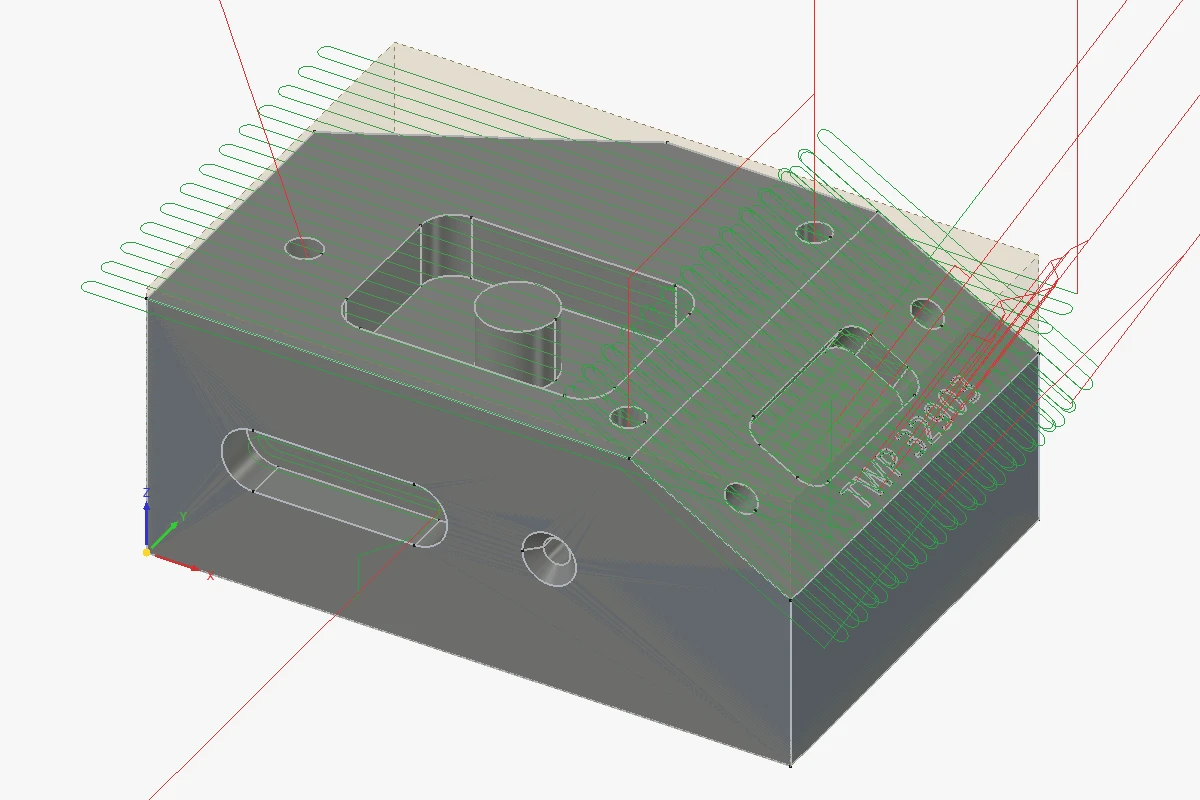
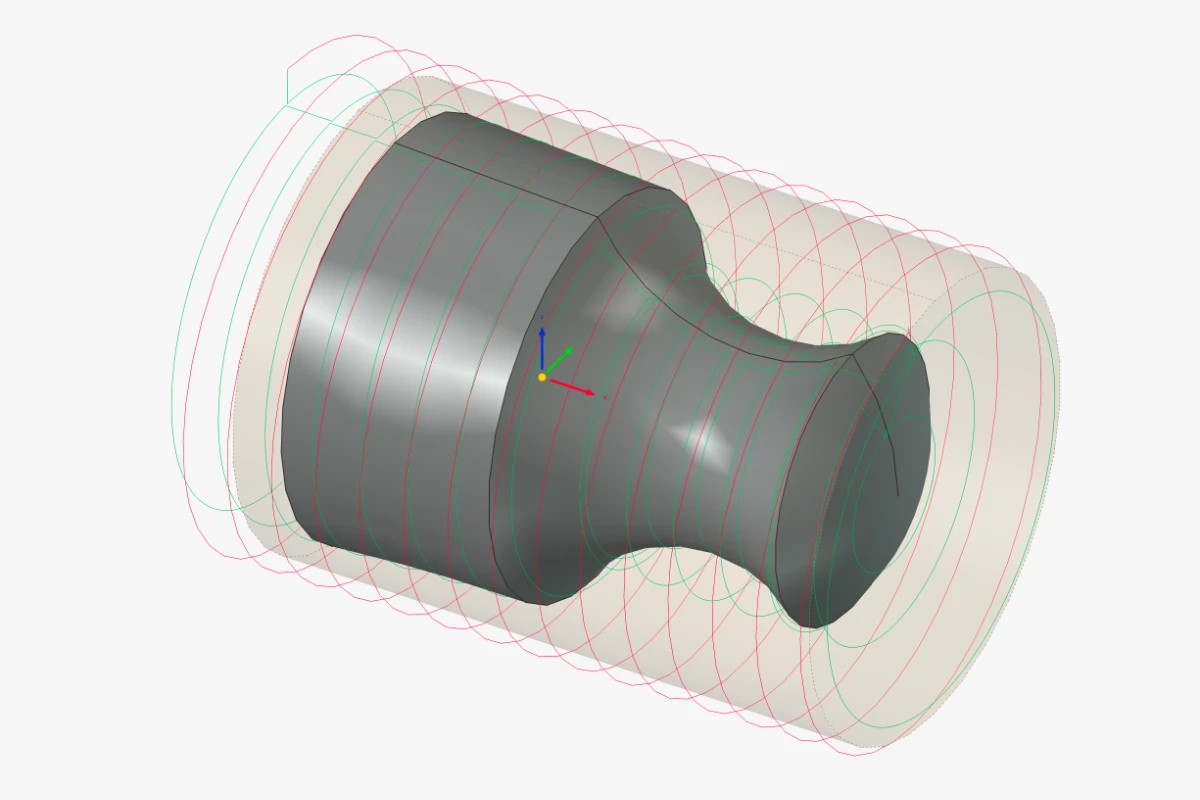
- 3+2 indexed machining on tilted work planes, with new Planar Surface and Rotary Surface operations for 3D and 4th-axis surfacing.
- A machine library and editor with toolheads, rotary axes and limits, and a new machine-based post processing pipeline, plus generic and Heidenhain Klartext posts.
- A feeds and speeds helper calculating from material and tool geometry within the machine’s limits.
- A redesigned Job panel, the simulator as a proper window inside the main interface, and posting only the selected operations.
FEM and TechDraw sharpen up
Automatic hexahedral meshing with Gmsh refinements
- FEM builds hexahedral meshes automatically through new Gmsh refinements.
- The refactored CalculiX solver is now the default.
- TechDraw draws scenes much faster.
- Right-click context menus adapt to what is selected.
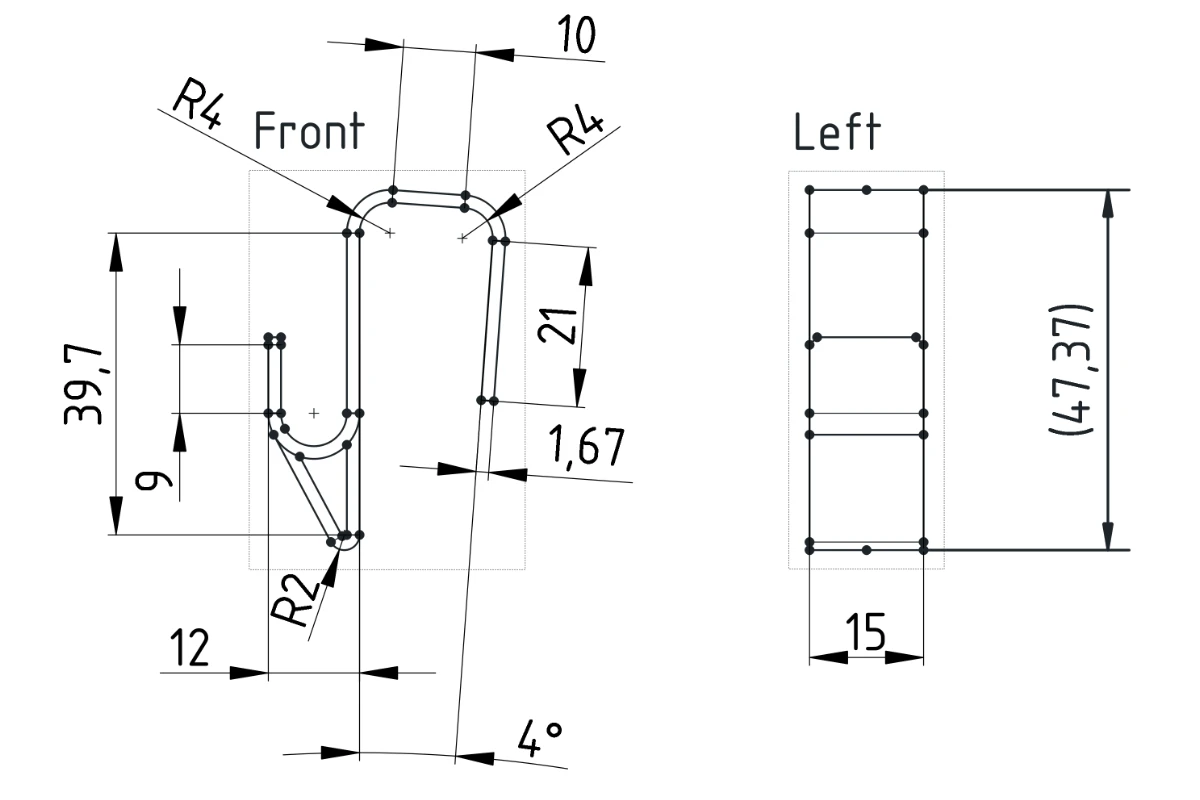
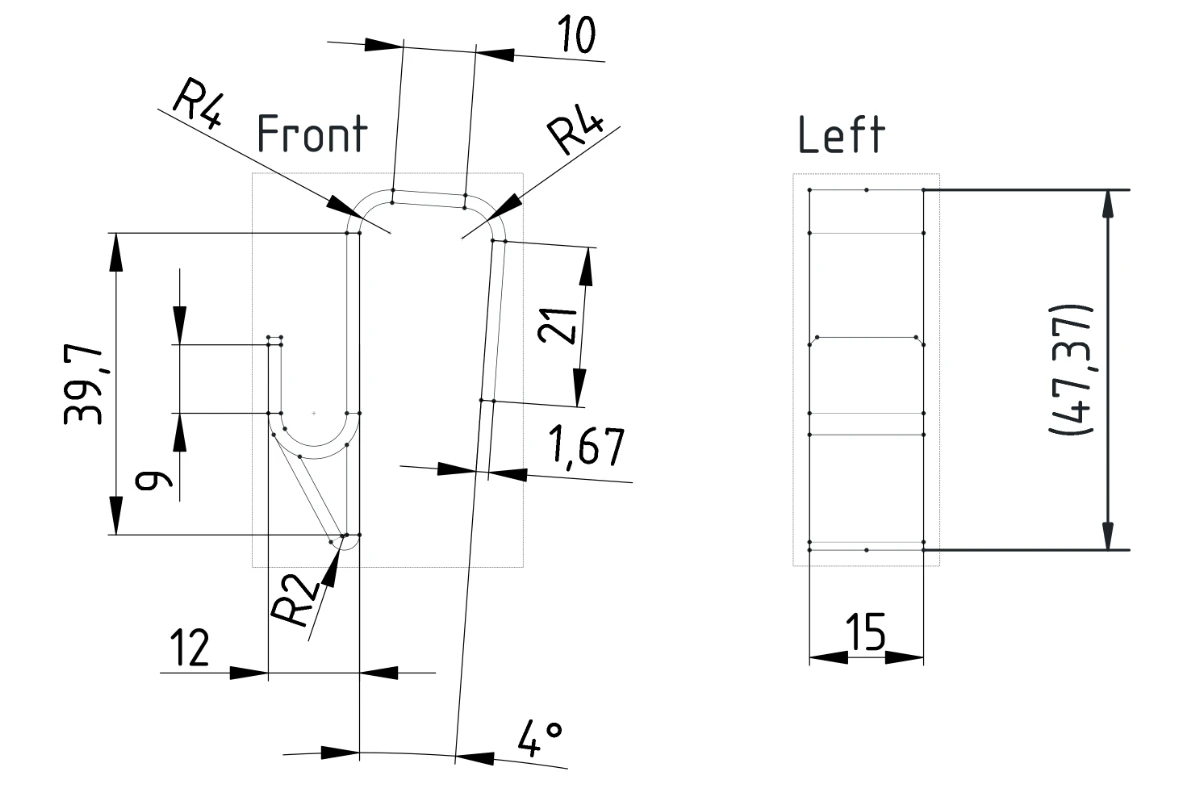
- A new Screen Mode scales edges, vertices and annotations with the zoom level so they no longer obscure geometry in complex drawings.
Build with BIM and Draft
- A Report tool with an SQL-like query language.
- A Covering tool for finishes and cladding.
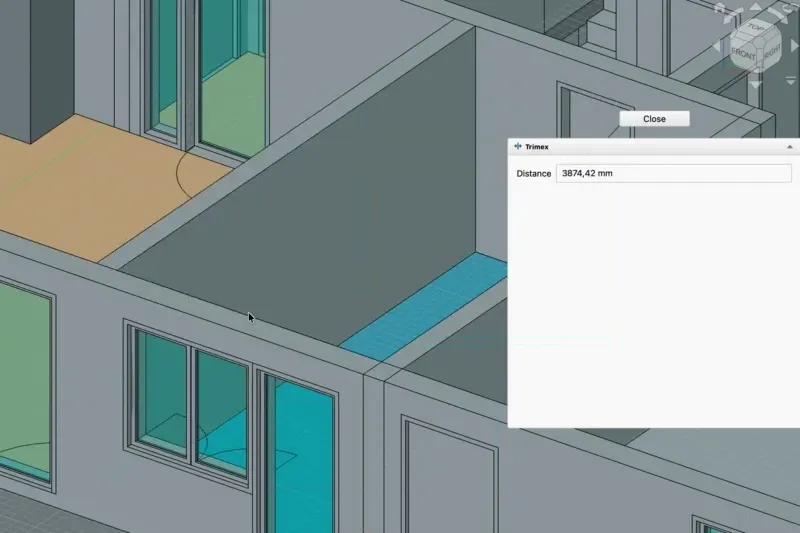
- Trimex trims and extends walls, pipes and structures directly by picking an end face, while extrusion moves to its own command.
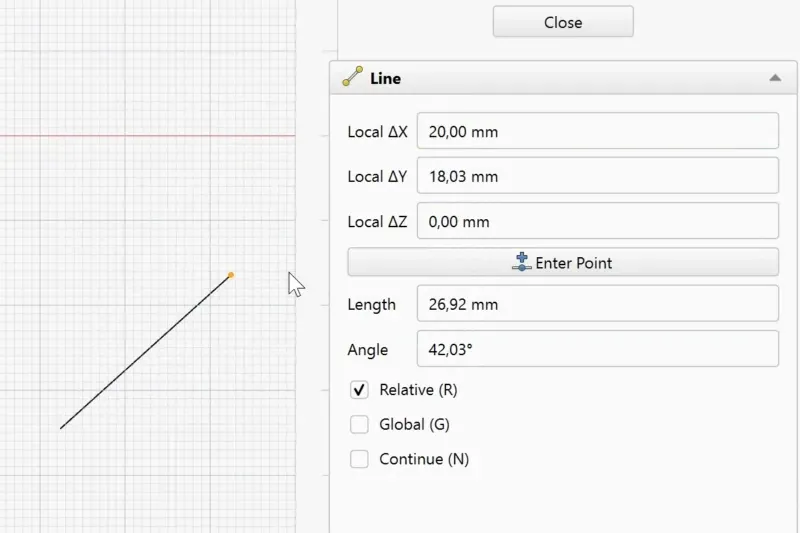
- Typed values in coordinate, length and angle fields are locked, so mouse movements no longer overwrite them.
Under the hood
- Addons can use the toponaming API introduced internally in 1.0, as well as transparent previews.
- The Addon Manager uses git for very large addons, so updating the Parts Library only fetches what changed.
- FreeCAD builds against OpenCASCADE 8 while retaining OpenCASCADE 7 compatibility.
- Hundreds of bug fixes across every workbench.
And much more, thanks to hundreds of contributions from the community around the world.
Want to be part of the journey? Join the community CommunityGet in touch with the community around the world. and help shape Support the FreeCAD projectDonate once or sponsor monthly to make FreeCAD even more awesome! the future of FreeCAD.
As always — have fun and keep FreeCADing!