Updating
Once your Addon is published in the Index, you have complete control over the update process. There are several different strategies depending on your preference as a developer, and the maturity of your addon.
Best Practice: Releases in their own Branch
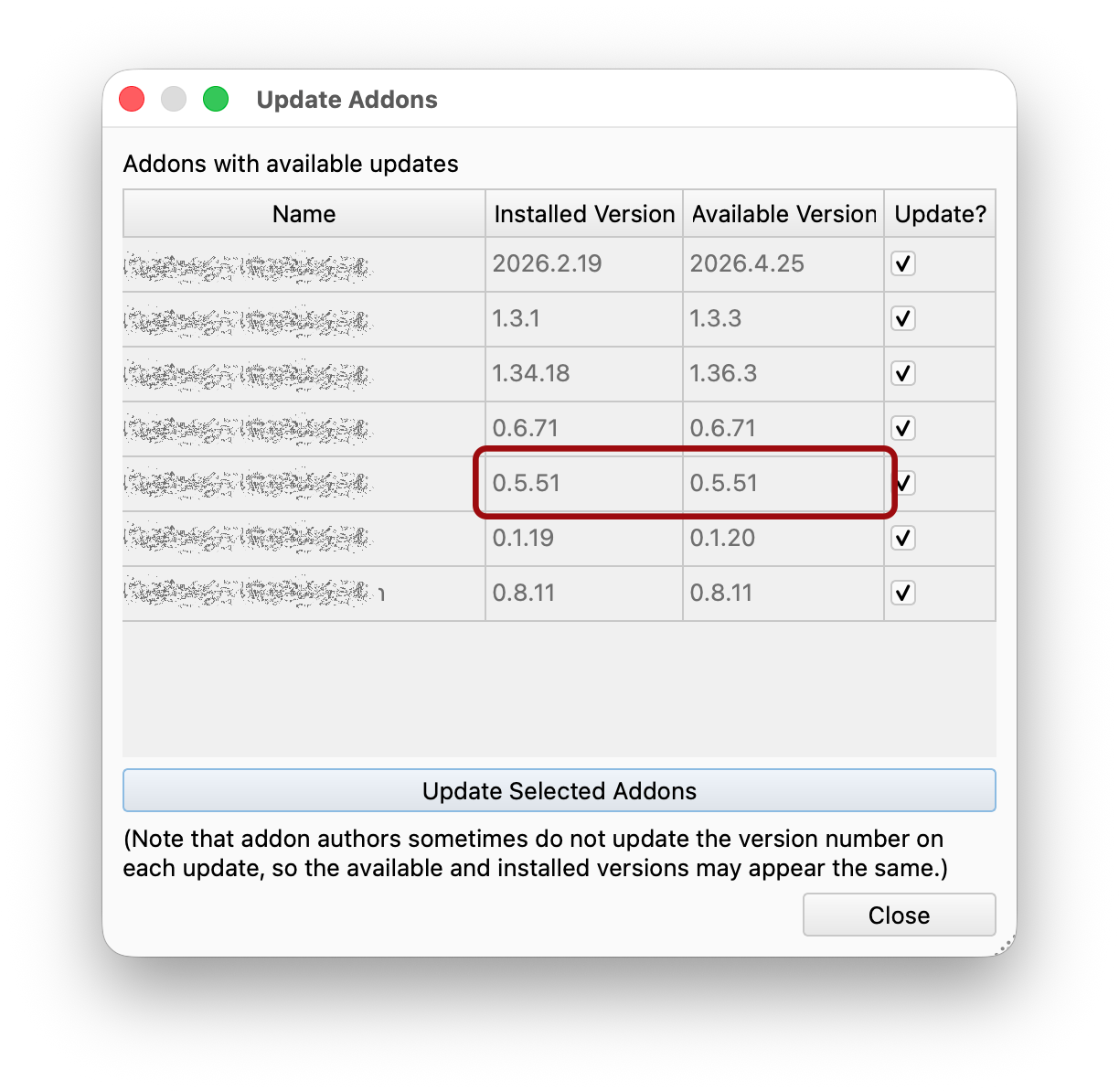
For most Addon authors, the best long-term release strategy is to do all active development on a branch that is not made available via the Addon Manager, and to periodically sync that branch with a “release” branch anytime you want to update the version number. It’s important that you update the version number and date in the package.xml file on that branch anytime you update the code: the Addon Manager will display any changes as an available update, and if the version number doesn’t change, this appears to users as an update from one version to the same version.
Alternative 1: Tagged Releases
For Addons that are mature and rarely release new versions, or that want very strict control over the release process, an alternative is to have the main Addon Index list a specific git tag for the Addon Manager to fetch, and to update the Index itself when a new release is made. The Addon Manager will then never display work-in-progress from the git repo, regardless of any changes on any branches there. To make a new release, you would create a new tag on your repo, and then submit a PR to the Addons Index changing the available release tag.
Alternative 2: Rolling Releases
For addons that are still in the early stages of development, it’s possible to do all work on a single branch, and simply make frequent updates to the version listed in package.xml. Care should be taken to explain this to users in your README documentation, however, so users know to expect updates regularly, and expect occasionally broken code.
Behind-the-Scenes: The Addon Cache
The FreeCAD project maintains a server at addons.freecad.org that hosts a cached copy of all addons’ git repos. This cache is updated every four hours, and forms the basis of the data that the Addon Manager displays to users. The consequence of this is that updates to your indexed addon can take up to four hours to be available to end users via the Addon Manager.